Blacklist Lookup
Enter a URL
Blacklist Lookup
If a domain or IP ends up on a security or spam blacklist, the damage shows up fast: browser warnings, emails landing in spam, lost traffic, and lower trust.
This free tool checks whether a website, domain, or IP appears in known blacklist databases. Use it for your own site, a mail server, or any address you’re evaluating.
How to Run a Check
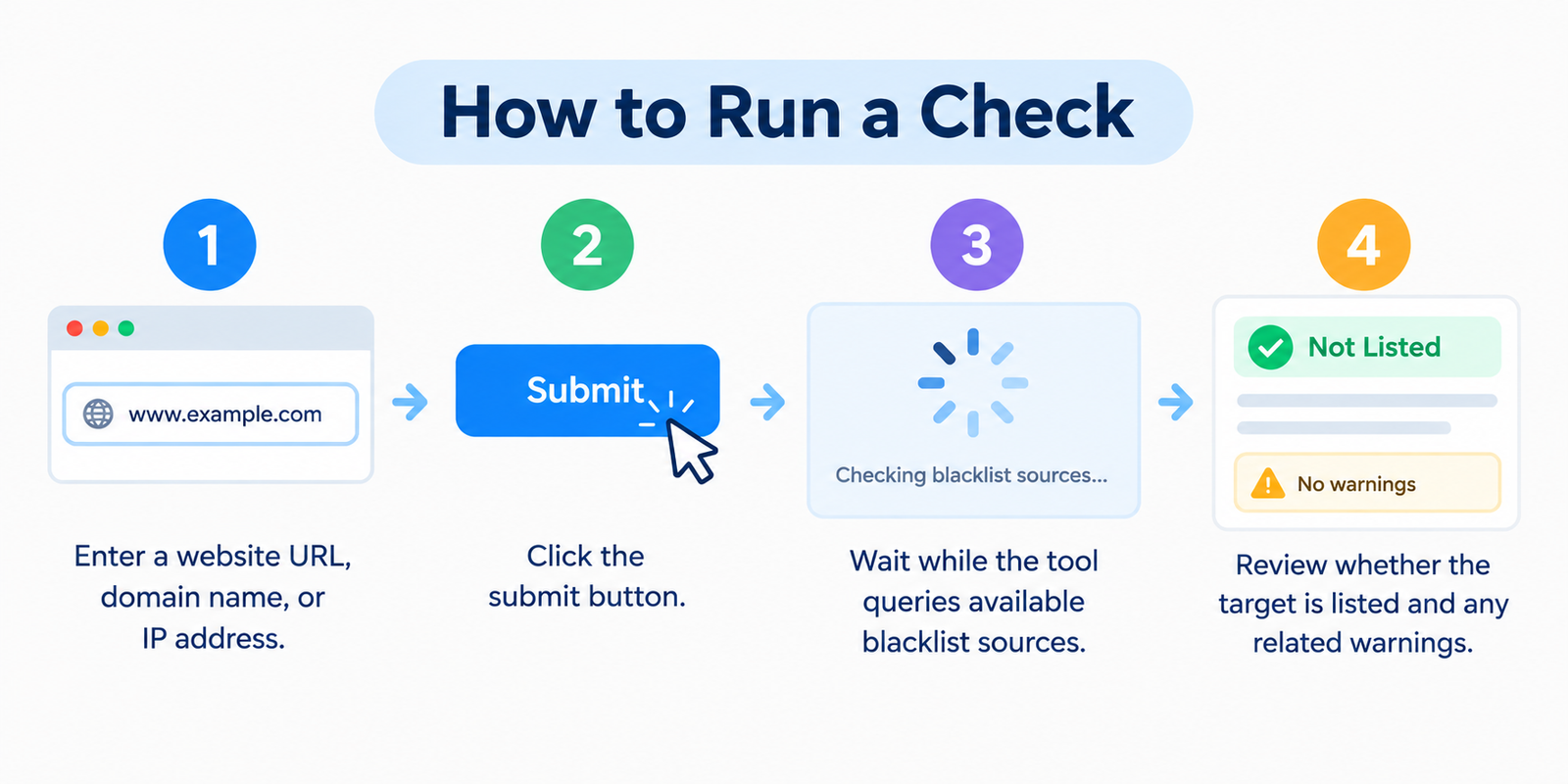
- Enter a website URL, domain name, or IP address
- Click the submit button
- Wait while the tool queries available blacklist sources
- Review whether the target is listed and any related warnings
Re-check after cleanup or major server changes — status can change over time.
What a Blacklist Actually Is
Blacklists are databases maintained by security companies, email providers, and threat-intelligence services. They flag addresses linked to:
- Malware or hacked sites
- Phishing pages
- Spam-sending servers
- Abusive network behavior
- Other high-risk activity
When an address is listed, browsers, email systems, firewalls, or hosting filters may treat it as unsafe. That protection helps users — but it hurts legitimate owners whose sites were compromised or misconfigured.
Why Listings Happen (Even to “Good” Sites)
| Cause | What typically goes wrong |
|---|---|
| Hacked website | Injected scripts, spam pages, or malware downloads |
| Spam from the server | Compromised mail account or open relay |
| Phishing content | Fake login or payment pages hosted on the domain |
| Bad redirects | Visitors sent to malicious destinations |
| Shared IP issues | Another site on the same IP triggers a listing |
| Outdated software | Unpatched CMS, plugins, or themes exploited |
Many owners only discover a listing after traffic drops or clients say “your emails go to spam.”
What Gets Affected
Search and browsers
Safety systems (including Google Safe Browsing–style warnings) can show interstitial alerts. Users leave. Rankings and crawl behavior can suffer until the issue is fixed and reviewed.
Email delivery
If the sending IP or domain is on a spam blacklist, messages bounce or hit junk folders — a serious problem for business mail and marketing.
Hosting and access
Some networks and corporate filters block listed destinations entirely.
Reputation
Once visitors see a warning, trust is hard to rebuild even after the technical issue is resolved.
Warning Signs to Check Immediately
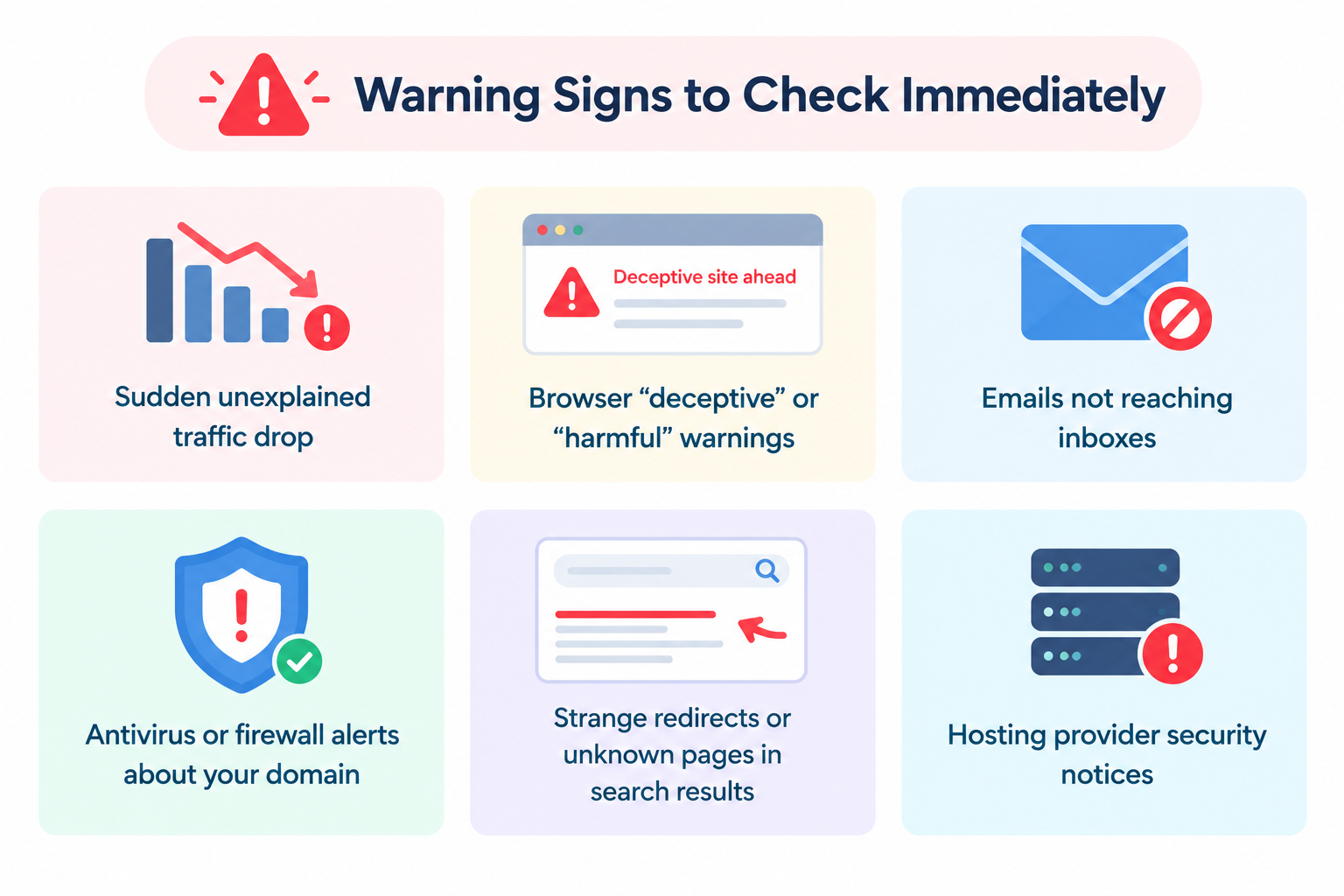
- Sudden unexplained traffic drop
- Browser “deceptive” or “harmful” warnings
- Emails not reaching inboxes
- Antivirus or firewall alerts about your domain
- Strange redirects or unknown pages in search results
- Hosting provider security notices
If any of these appear, run a blacklist lookup and a malware scan the same day.
If You’re Listed: Practical Recovery Path
- Confirm the listing — note which lists are involved
- Clean the root cause — remove malware, close spam vectors, fix redirects, update software, rotate passwords
- Secure the site — patches, less attack surface, stronger access control
- Request delisting / review — most major lists require a cleanup request after the problem is fixed
- Re-check — verify the listing clears and monitor for a while
Cleaning files alone is not always enough. Many providers only remove a listing after a formal review.
Prevention That Actually Helps
- Keep CMS, themes, and plugins updated
- Use strong unique passwords and 2FA where possible
- Prefer HTTPS and reputable hosting
- Limit unnecessary plugins and open mail relays
- Monitor Search Console (and similar) for security alerts
- Keep recent backups so recovery is possible
- Periodically check domain and sending IP reputation
Prevention is cheaper than emergency cleanup.
FAQ
Is this blacklist lookup free?
Yes. You can check without creating an account.
Does a clean result mean the site is 100% safe?
No. It means no match was found in the sources checked at that moment. New threats can appear later.
Can a legitimate website get blacklisted?
Yes. Compromised sites are a common reason.
Will fixing malware automatically clear every list?
Not always. You usually need to request removal after cleanup.
Should I check domain and IP separately?
Yes when possible. Domain listings and IP listings are not always the same.
Related tools
Note: Blacklist data comes from third-party security and spam databases. Results can lag behind real-time conditions. For a confirmed infection, clean the site thoroughly and follow each provider’s review process.