Meta Tags Analyzer
Enter a URL
Free Meta Tags Analyzer
Instantly check the meta tags of any public webpage.
Paste a URL below and this free tool will extract the most important on-page SEO elements — title tag, meta description, robots instructions, and other key meta information — so you can see exactly how the page is presenting itself to search engines.
What This Tool Shows You
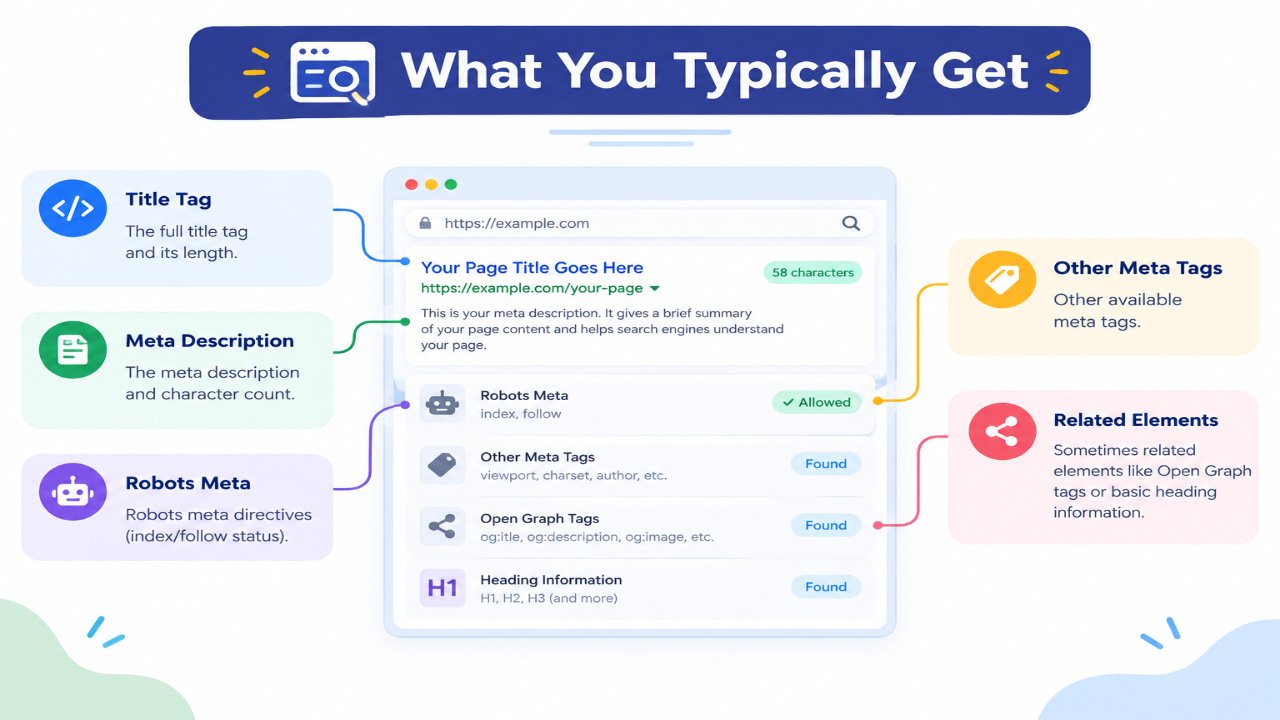
When you analyze a page, you typically get:
- The full Title Tag and its length
- The Meta Description and character count
- Robots meta directives (index/follow status)
- Other available meta tags
- Sometimes related elements like Open Graph tags or basic heading information
This gives you a quick snapshot of how the page is set up for search engines and social platforms.
Why You Should Analyze Meta Tags
Many websites lose clicks and visibility because of weak or missing meta tags. Common issues include:
- Missing or duplicate title tags
- Empty or poorly written meta descriptions
- Titles that are too long and get cut off in search results
- Important pages accidentally set to noindex
- Inconsistent branding across different pages
Checking meta tags regularly helps you catch these problems early — both on your own site and when reviewing competitor pages.
How to Use the Meta Tags Analyzer
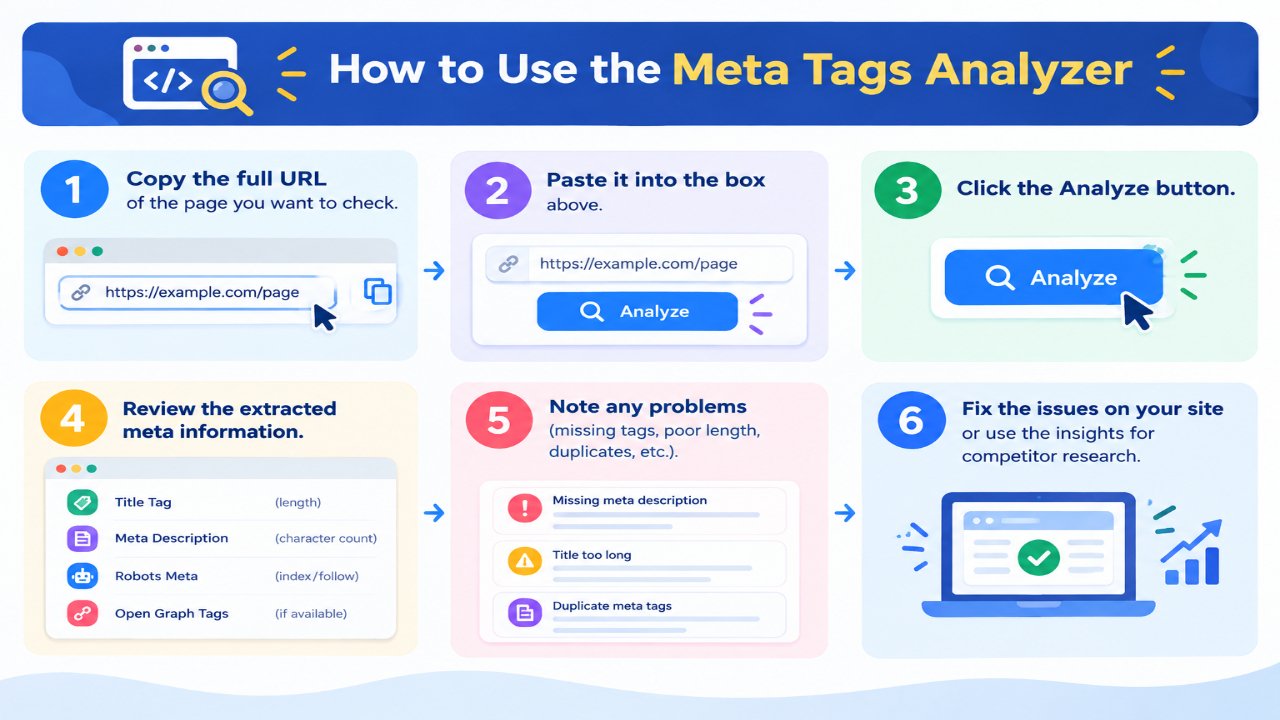
- Copy the full URL of the page you want to check
- Paste it into the box above
- Click the Analyze button
- Review the extracted meta information
- Note any problems (missing tags, poor length, duplicates, etc.)
- Fix the issues on your site or use the insights for competitor research
The tool works best with publicly accessible pages. Some websites may block automated requests.
What Good Meta Tags Look Like
Strong Title Tag
- Unique for every page
- Usually under 60 characters
- Includes the main topic or keyword naturally
- Clear and readable for users
Strong Meta Description
- Between 140–160 characters
- Accurately describes the page content
- Encourages the user to click
- Unique across the website
Robots Tag
- Important pages should allow indexing
- Thin, private, or duplicate pages can be set to noindex when needed
Practical Ways to Use This Tool
On Your Own Website
Run the analyzer on your most important pages (homepage, service pages, top blog posts) and fix any missing or weak tags.
Competitor Research
Analyze top-ranking pages in your niche to see how they write titles and descriptions. This can give you ideas for improving your own snippets.
Content Audits
When updating old content, check the existing meta tags and rewrite them if they are outdated or weak.
Client Work
SEO freelancers and agencies can quickly audit client pages without opening the source code manually.
Tips After Analyzing a Page
- If the title is missing or duplicated → create a unique one
- If the description is empty or generic → write a better version
- If the title is too long → shorten it while keeping the main message
- If robots is set to noindex by mistake → correct it
- After making changes, re-check the page with this tool
You can create new meta tags quickly using our free Meta Tag Generator.
Related Free Tools
- Meta Tag Generator – Create new meta tags
- Robots.txt Generator
- Domain Authority Checker
- Backlink Checker
- Article Rewriter
Note
This tool reads publicly available HTML. Some modern websites load meta tags dynamically with JavaScript, so results may vary. Always double-check important pages directly in the source code when accuracy is critical.