Word Counter
Total Words
0Total Characters
0
Free Word Counter
Count the exact number of words and characters in your text within seconds. Whether you are writing a blog post, school assignment, social media caption, product description, or website content, knowing the precise length of your text is important. This free Word Counter tool gives you instant results without any registration or complicated steps.
How to Use the Word Counter
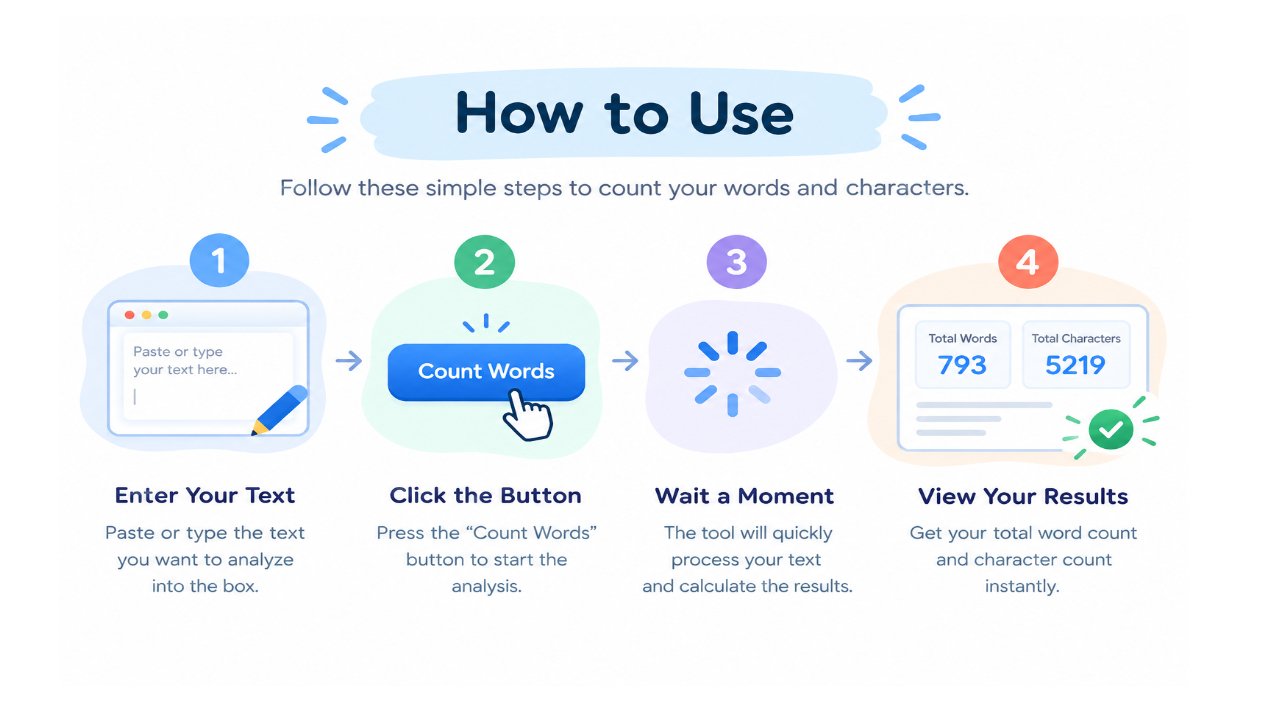
- Copy the text you want to check
- Paste it into the box above (or type directly)
- The tool will automatically display the total number of words and characters
- Keep editing your text — the count updates in real time
- When you are satisfied, copy your content and use it wherever you need
The tool works on both desktop and mobile browsers and requires no login.
Why Word Count Matters
Different types of content have different length expectations. Ignoring these limits can cause problems:
- Blog posts that are too short often fail to cover a topic properly and may rank poorly
- Meta descriptions and title tags have strict character limits
- Academic assignments usually come with minimum or maximum word requirements
- Social media platforms cut off captions that exceed their character limits
- Client work and freelance projects often have agreed word counts
Manually counting words is time-consuming and inaccurate, especially with longer documents. An online word counter removes this problem and gives you reliable numbers instantly.
What a Good Word Counter Should Show
A basic tool only shows total words. A more useful word counter also helps you understand the structure of your writing. Depending on the features available, you may see:
- Total number of words
- Total characters (including spaces)
- Characters without spaces
- Number of sentences
- Number of paragraphs
- Real-time updates while you type or edit
These details help you stay within platform limits and improve the overall readability of your content.
Who Uses a Word Counter?
Students
Essays, reports, and assignments almost always have word limits. A word counter helps students meet the exact requirement without constant manual checking.
Bloggers and Content Writers
Content length affects readability and SEO performance. Writers use word counters to keep articles within a useful range while focusing on quality.
SEO Professionals
Title tags, meta descriptions, and page content all have practical length guidelines. A word and character counter makes it easier to stay within those limits.
Social Media Managers
Platforms like Instagram, X (Twitter), LinkedIn, and others have character restrictions. Checking length before posting prevents cut-off text.
Freelancers and Agencies
Clients often request content of a specific length. A word counter helps deliver exact word counts and avoid revision requests.
Practical Tips for Better Content Length
- Do not add unnecessary words just to increase the count. Quality is more important than quantity.
- For SEO articles, focus on covering the topic thoroughly rather than forcing a specific number.
- Keep meta descriptions between roughly 140–160 characters for better display in search results.
- On social media, shorter and clearer captions usually perform better than long blocks of text.
- Use the word counter while writing and editing, not only at the end.
- After major edits, re-check the count to make sure you are still within the required range.
Benefits of Using an Online Word Counter
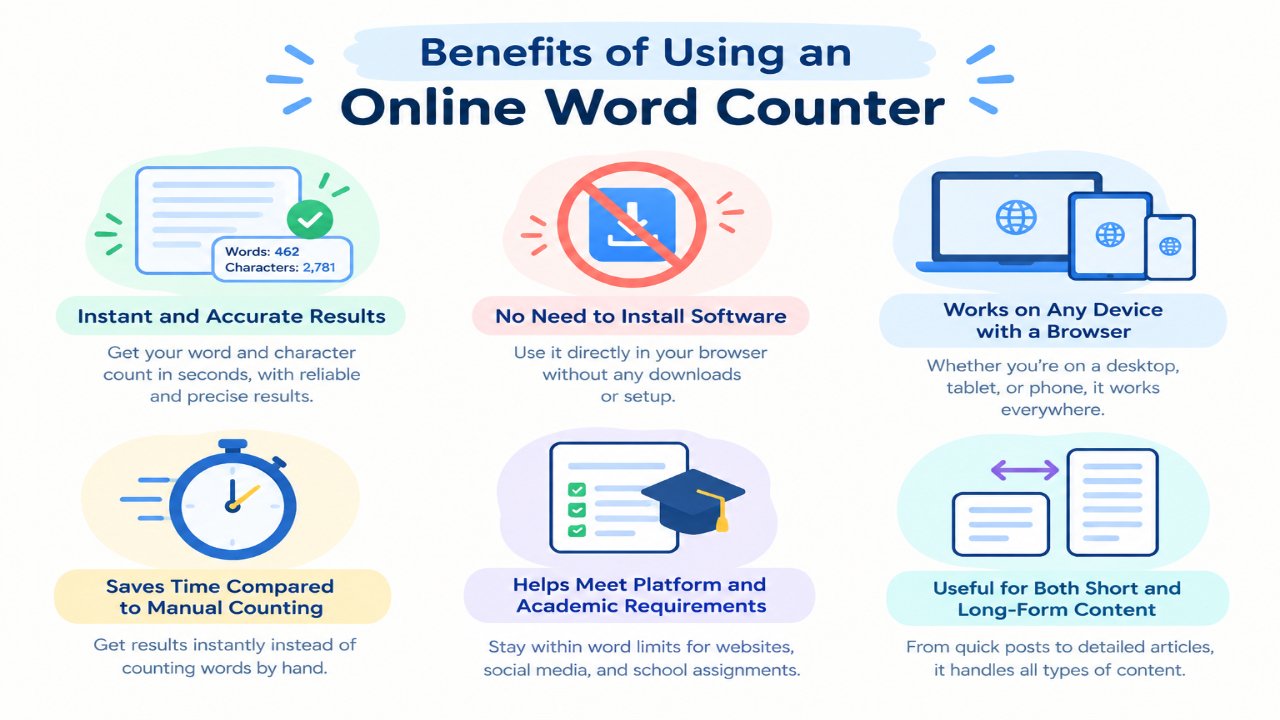
- Instant and accurate results
- No need to install software
- Works on any device with a browser
- Saves time compared to manual counting
- Helps meet platform and academic requirements
- Useful for both short and long-form content
Because the counting happens quickly, you can focus more on improving the quality of your writing instead of worrying about numbers.
Related Free Tools on BingoWebRabbit
- Article Rewriter – Rewrite content easily
- Plagiarism Checker – Check originality
- Meta Tag Generator
- Meta Tags Analyzer
- Backlink Checker
Note
This free Word Counter processes your text in real time. Your content is not stored or shared. Different platforms may count words and characters slightly differently, so always verify final counts when exact limits are critical (for example, official academic submissions or paid advertising character limits).