Website Screenshot Generator
Enter a URL
Website Screenshot Generator
Sometimes a link is not enough — you need a visual of the page itself. Paste a URL below and this free tool captures a screenshot of the webpage so you can save, share, or document what it looks like at that moment.
How to Capture a Screenshot
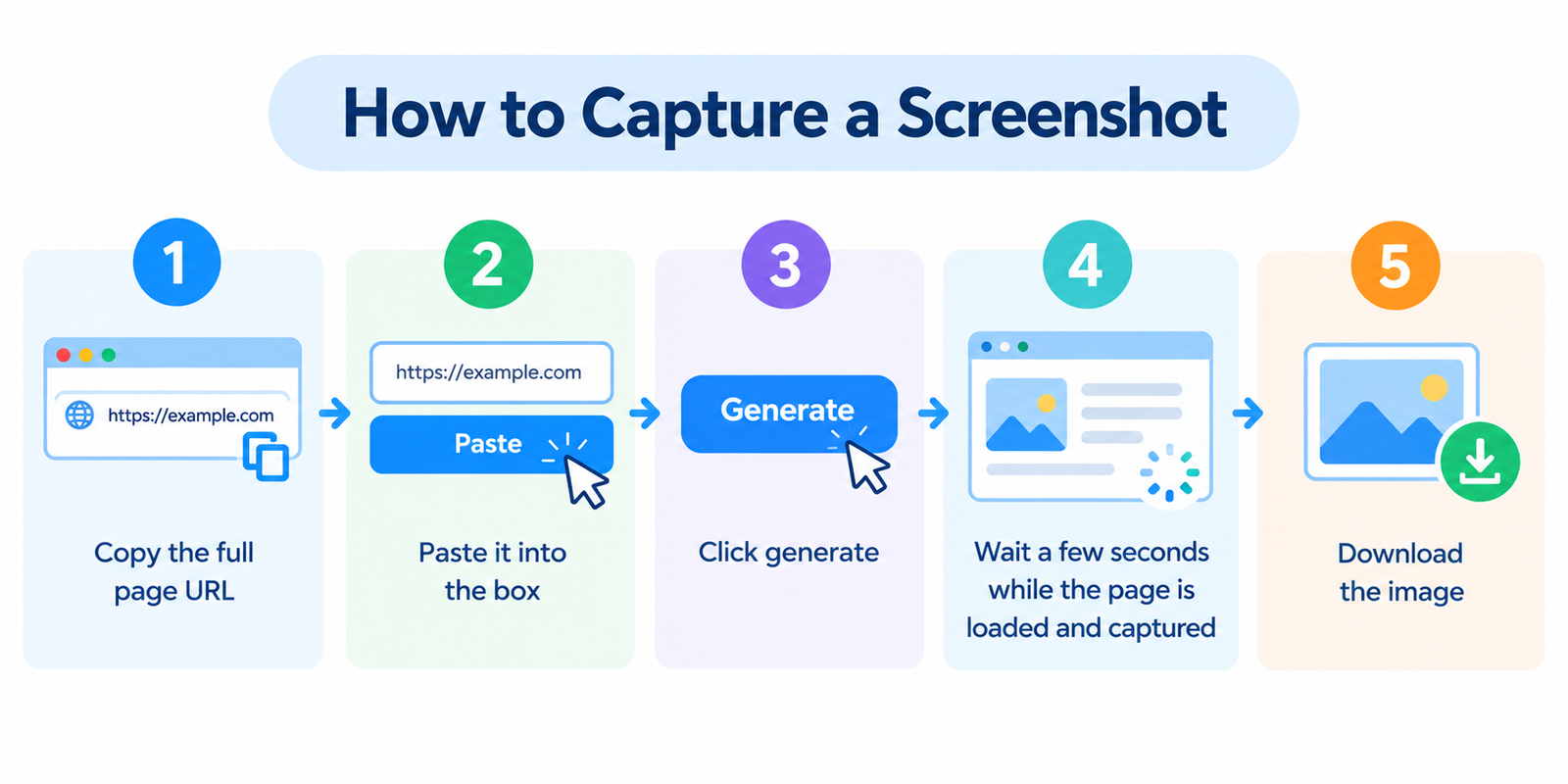
- Copy the full page URL
- Paste it into the box
- Click generate
- Wait a few seconds while the page is loaded and captured
- Download the image
If the tool supports multiple URLs, enter each one on a separate line and download the results when ready.
Useful Situations
Content and documentation
Add real page visuals to blog posts, guides, reports, or tutorials without relying on blurry manual crops.
Design and QA
Record how a page looks before a redesign, after a release, or while comparing layout versions.
Competitor and research notes
Save a visual snapshot of a public page for later reference during audits or presentations.
Bug and issue reports
Attach a screenshot when reporting layout problems, broken sections, or unexpected page states.
Teaching and internal training
Use still images in slides or docs when a live demo is unnecessary or unreliable.
What to Expect From the Capture
Most screenshot generators load the public version of a page in a browser-like environment and capture what is rendered.
That usually means:
- Public pages work best
- Logged-in or personalized views are not available
- Very slow or heavily blocked pages may capture incompletely
- Some sites restrict automated access or framing
Treat the result as a useful visual record of the publicly visible page at capture time.
Practical Tips for Better Screenshots
- Use the exact URL you care about (homepage vs inner page can look very different)
- Allow a moment for image-heavy pages to finish loading when possible
- Capture again after major design changes to keep records current
- For responsive checks, also use a screen-size simulator or real devices
- Crop or annotate after download if you only need one section of the page
A screenshot is evidence of appearance — not a full technical audit.
Screenshot Tool vs Manual Capture
| Approach | Strength | Limitation |
|---|---|---|
| This generator | Fast, simple, no extension install | Depends on public page access |
| Browser full-page extension | Good control on your machine | Setup, permissions, browser updates |
| OS screenshot tools | Always available | Often only visible viewport unless configured |
| Design / QA platforms | Advanced workflows | Usually heavier and paid |
For quick one-off captures, a simple URL-based generator is often enough.
FAQ
Is this tool free?
Yes. You can generate screenshots without creating an account.
Can it capture pages behind a login?
No. It captures what a typical logged-out visitor would see.
Will every website work?
Most public pages do. Sites that block bots, require interaction, or load almost entirely through complex scripts may fail or look incomplete.
Is the image stored permanently?
Many tools provide a temporary download only. Don’t rely on the generator as long-term storage — save the file yourself.
Can I use screenshots commercially?
You can capture pages for reference, but respect copyright, trademarks, and fair-use rules when publishing someone else’s website visuals.
Related tools
- Webpage Screen Resolution Simulator
- Get Source Code of Webpage
- Server Status Checker
- Page Size Checker
- Link Analyzer Tool
Note: Screenshot quality depends on how the target page loads. Dynamic content, cookie banners, ads, and anti-bot protections can affect the final image.