My IP Address
| Your IP | 216.73.216.17 |
| City | Columbus |
| Region | Ohio |
| Country | United States of America |
| Country Code | US |
| ISP | Amazon.com |
| Latitude | 39.96118 |
| Longitude | -82.99879 |
What Is My IP Address?
Your public IP address is shown above, along with basic location and network details. This page detects the IP address that websites and online services currently see when you visit them. It updates automatically based on your connection.
What an IP Address Actually Is
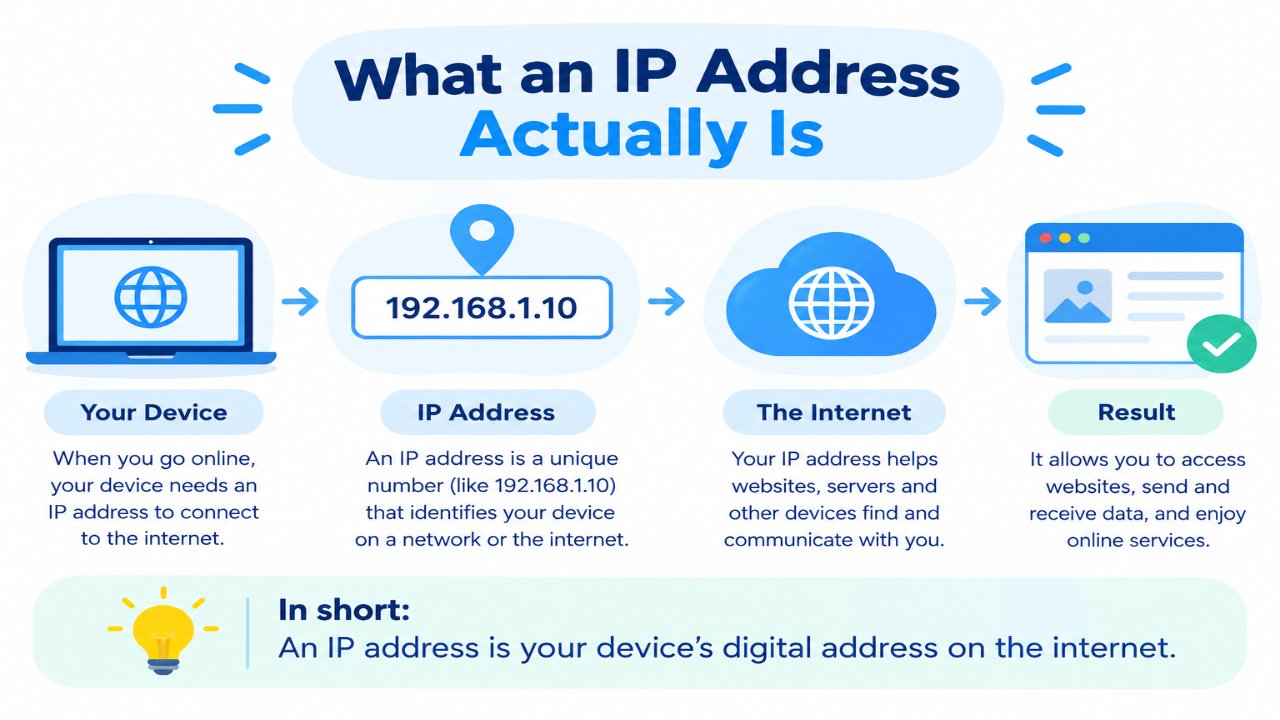
An IP address (Internet Protocol address) is a unique number that identifies your device or network on the internet. It works like a digital address so data knows where to go.
When you open a website, send a message, or stream a video, your IP address helps the information travel back and forth between your device and the server.
Without IP addresses, devices wouldn’t know how to find each other online.
What This Page Shows You
When you open this tool, it typically displays:
- Your public IP address
- Approximate city / region
- Country
- Internet Service Provider (ISP)
- Basic location coordinates (when available)
This is the information that most websites can see when you visit them. It does not usually reveal your exact home address.
Public IP vs Private IP
Public IP
This is the address visible on the internet. It’s assigned by your internet provider and is what this tool detects.
Private IP
This is used inside your home or office network (for example, between your phone, laptop, and router). Private IPs are not directly visible to websites.
Most home users have a public IP that is shared by all devices connected to the same Wi-Fi router.
Static vs Dynamic IP
Most home internet connections use a dynamic IP, which means it can change from time to time (for example, after a router restart).
A static IP stays the same. These are more common for businesses, servers, or people who need a fixed address.
Why Websites Can See Your IP
Websites and online services can see your public IP for normal technical reasons, such as:
- Sending the correct data back to your device
- Showing content based on your country
- Basic security and spam prevention
- Logging traffic for performance or safety
Your IP can give a rough idea of your location (city or region), but it is not precise enough to show your exact street address in most cases.
Can You Hide or Change Your IP?
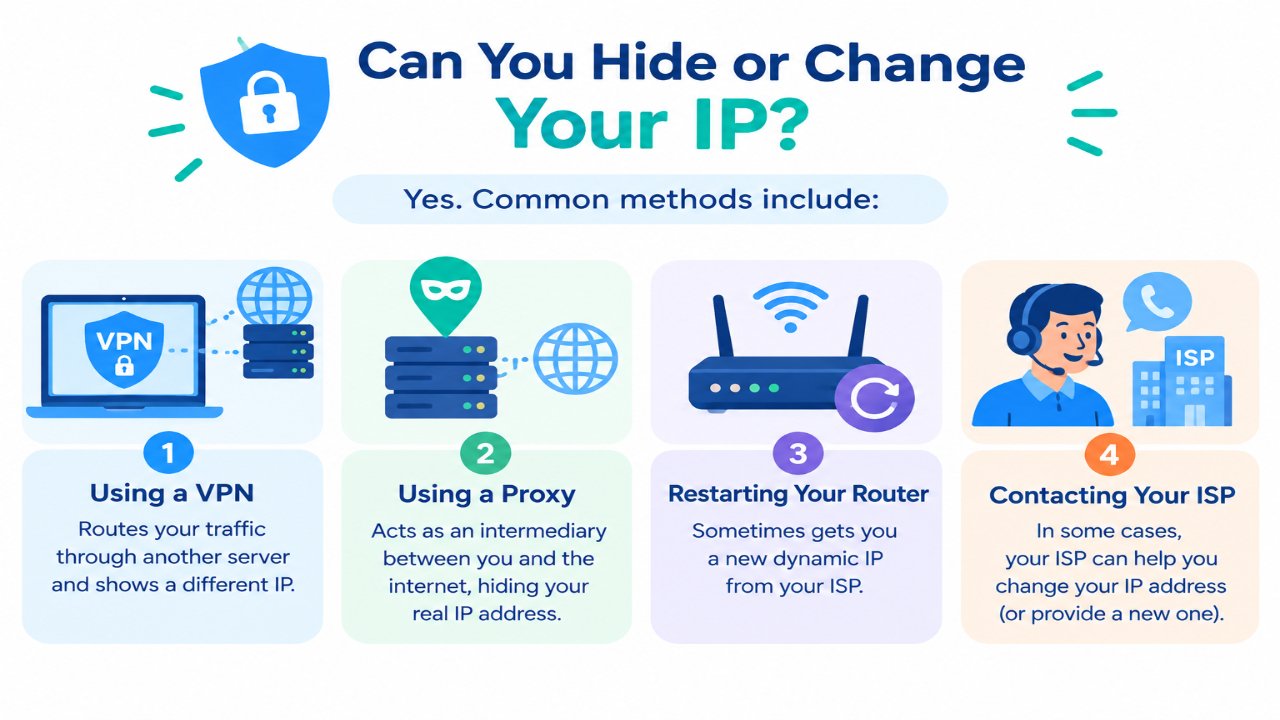
Yes. Common methods include:
- Using a VPN (routes your traffic through another server and shows a different IP)
- Using a proxy
- Restarting your router (sometimes gets you a new dynamic IP)
- Contacting your ISP in some cases
A VPN is a common way people use a different public IP when they want to improve their online privacy. However, a VPN does not make someone completely anonymous online.
Frequently Asked Questions
Is this tool free?
Yes. You can check your IP address without signing up.
Does this show my exact home address?
No. It usually only shows an approximate city or region.
Why is my IP different on my phone and computer?
If they are on different networks (mobile data vs home Wi-Fi), they will have different public IPs.
Can someone hack me just with my IP address?
An IP address alone does not normally provide direct access to your device. However, it is still better to avoid sharing your public IP unnecessarily.
Why does my IP sometimes change?
Most home connections use dynamic IPs that can change when the router reconnects or after a certain period.
Related Free Tools
Note
The IP and location details shown on this page are based on publicly available network information and may not always be 100% precise. Location data is approximate.