www Redirect Checker
Enter a URL
WWW Redirect Checker
Does your website properly redirect between the www and non-www versions?
Enter a domain below and this free tool will show how the redirect is working, including the redirect path, status code, and final destination. It can help you spot missing redirects, redirect loops, or unnecessary redirect chains.
How to Use It
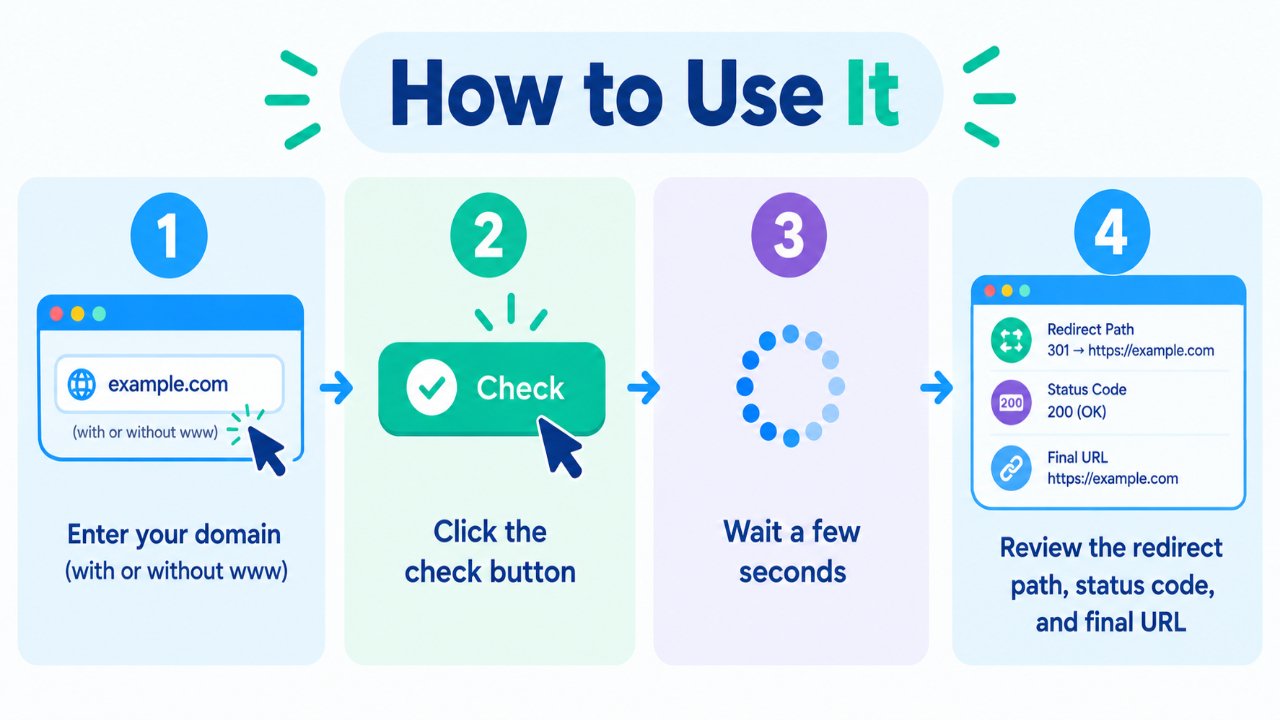
- Enter your domain with or without
www. - Click the check button.
- Wait a few seconds for the redirect test to complete.
- Review the redirect path, HTTP status code, and final URL.
You can test both example.com and www.example.com to confirm that your preferred version is configured correctly.
Why This Check Matters
The www and non-www versions of a website are different hostnames. If both versions are independently accessible, it is important to configure your preferred version consistently rather than leaving visitors and crawlers with multiple versions of the same site.
A properly configured redirect setup can help avoid issues such as:
- Multiple accessible versions of the same pages.
- Inconsistent URLs being shared or linked.
- Unclear preferred URLs for search engines.
- Confusing experiences for visitors.
- Unnecessary redirect hops.
A common approach is to choose one preferred hostname and permanently redirect the other version to it.
www vs non-www — Which Should You Choose?
There is no universal SEO requirement to choose either www or non-www. Both can work perfectly well. The important thing is to choose a preferred version and use it consistently.
www version (https://www.example.com)
The www hostname is common on many websites and can be useful when managing subdomains and certain cookie configurations.
Non-www version (https://example.com)
This version is shorter and is often preferred by website owners who want a simple-looking domain.
Either choice is fine. Pick one version and make sure the other redirects correctly.
What a Good Setup Looks Like
A typical clean setup looks like this:
- One hostname is selected as the preferred version.
- The alternative hostname uses a 301 permanent redirect.
- HTTP is redirected to HTTPS.
- Redirect chains are kept as short as practical.
- Internal links consistently use the preferred HTTPS URL.
For example, if your preferred version is the www hostname:
http://example.com → https://www.example.com
And:
https://example.com → https://www.example.com
The exact redirect path can depend on your server, CDN, hosting setup, and configuration.
Common Problems This Tool Can Help Spot
- No redirect — both www and non-www versions remain accessible separately.
- Redirect loop — URLs keep redirecting between two or more destinations.
- 302 instead of 301 — a temporary redirect is being used where a permanent redirect may be more appropriate.
- Long redirect chain — several redirects occur before the final URL is reached.
- HTTP/HTTPS issue — one protocol redirects correctly while another does not.
- Unexpected destination — the redirect ends at a URL that was not intended.
Finding these issues early can make it easier to keep your website's URL structure consistent for both visitors and search engines.
Quick Best Practices
- Choose one preferred hostname: www or non-www.
- Use HTTPS as the preferred protocol.
- Use 301 redirects for permanent URL changes.
- Keep internal links consistent with your preferred version.
- Avoid unnecessary redirect hops.
- Re-check redirects after DNS, hosting, server, or CDN changes.
Frequently Asked Questions
Is this WWW Redirect Checker free?
Yes. You can check redirect behavior without creating an account.
Should I use a 301 or 302 redirect?
For a permanent choice between www and non-www, a 301 redirect is generally appropriate. A 302 redirect is normally used when the change is temporary.
Does www or non-www rank better?
Neither version is inherently better for SEO. Both can be used successfully. Consistency, correct redirects, and a properly configured website matter more than choosing one hostname over the other.
Can redirect chains cause problems?
Long redirect chains add extra requests and can make crawling and page loading less efficient. Whenever possible, redirect the old URL directly to the final destination.
What if both versions load without redirecting?
Choose your preferred hostname and configure a permanent redirect from the alternative version. Also make sure your HTTP-to-HTTPS redirects are configured correctly.
Can a CDN affect redirect results?
Yes. A CDN or caching layer can influence how redirects are handled or cached. If you recently changed your configuration, clear relevant caches and test the URLs again.
Related Free Tools
Note
Redirect behavior can vary depending on your web server, CDN, hosting configuration, and caching. After making changes, test both the www and non-www versions, along with HTTP and HTTPS, to confirm that they all reach your preferred final URL.