Online Md5 Generator
Generador MD5 en línea
MD5 convierte cualquier entrada en una huella digital fija de 32 caracteres. Pega texto o proporciona un archivo, y esta herramienta gratuita crea el hash MD5 para que puedas verificar la integridad, comparar copias o trabajar con sumas de verificación heredadas.
Generar un hash
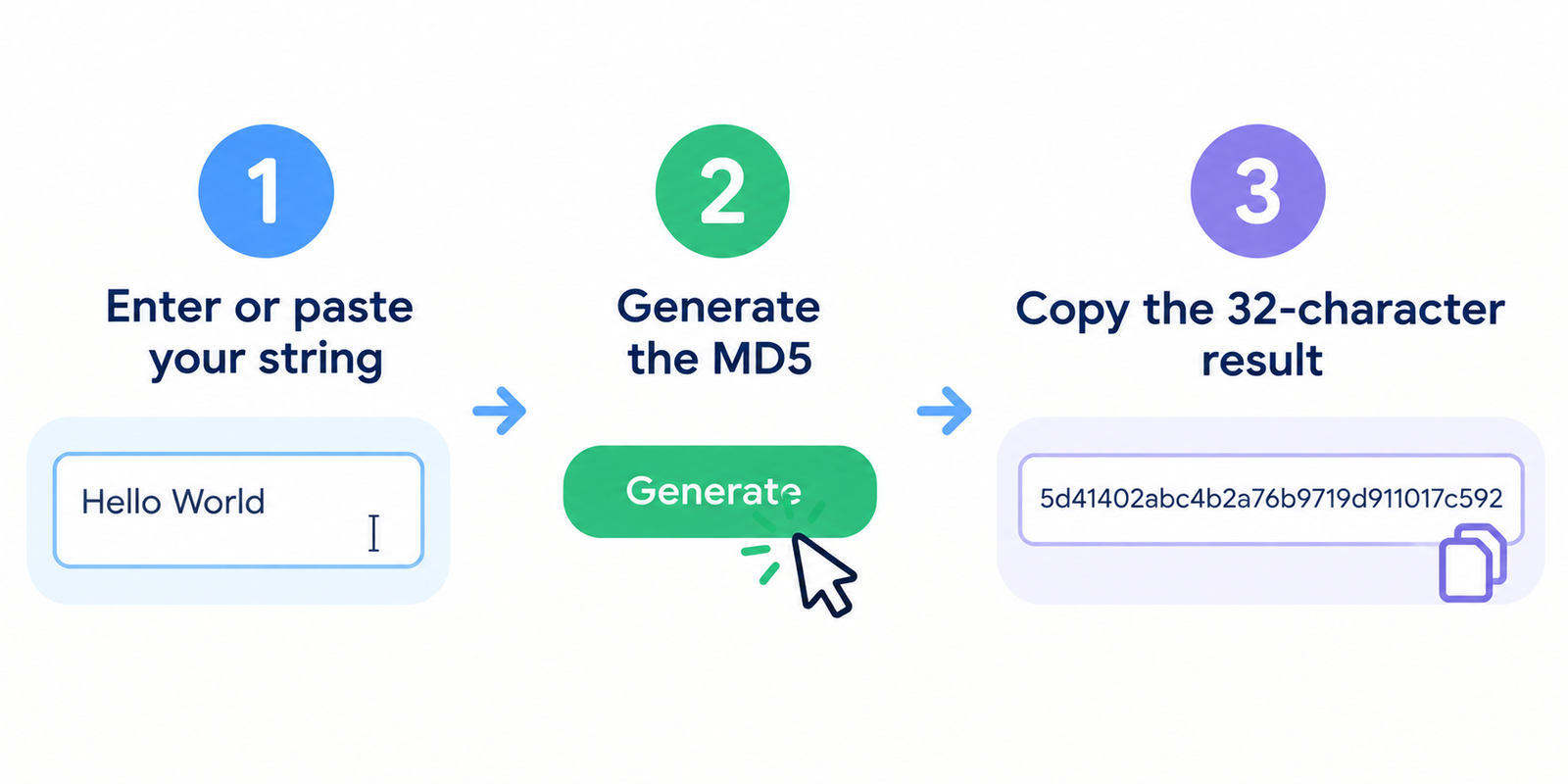
- Ingresa o pega tu cadena de texto
- Genera el MD5
- Copia el resultado de 32 caracteres
Incluso un pequeño cambio en la entrada produce un hash completamente diferente.
Para qué es útil MD5
MD5 todavía se usa ampliamente para tareas de suma de verificación que no son de seguridad:
- Confirmar que una descarga coincide con el hash publicado por el editor
- Comparar dos archivos para ver si los contenidos son idénticos
- Detectar corrupción accidental después de una copia o transferencia
- Trabajar con sistemas más antiguos que todavía esperan valores MD5
Ejemplo: el texto hello genera el hash:
5d41402abc4b2a76b9719d911017c592
Importante: MD5 no es seguridad moderna
MD5 es rápido, pero no se considera seguro para la criptografía moderna.
| Caso de uso | ¿Es apropiado MD5? |
|---|---|
| Integridad de archivos / comprobaciones de corrupción accidental | A menudo sí |
| Detección de archivos duplicados exactos | A menudo sí |
| Almacenamiento de contraseñas | No |
| Firmas digitales / seguridad contra manipulación | No |
| Verificación de integridad de alto riesgo | Preferir SHA-256+ |
Las debilidades de colisión conocidas significan que los atacantes pueden crear diferentes entradas con el mismo MD5 en algunos escenarios. Para las contraseñas, utiliza algoritmos adaptativos fuertes (como bcrypt, scrypt o Argon2). Para la integridad sensible a la seguridad, prefiere SHA-256 o superior.
MD5 también es unidireccional: no se puede revertir un hash para volver al texto original.
Hash de texto vs Hash de archivo
Estos son fáciles de confundir:
- Hash de texto = hash de los caracteres exactos que escribiste/pegaste
- Hash de archivo = hash de los bytes sin procesar del archivo
Un archivo que contiene hello puede no coincidir con el hash de texto de hello si el archivo incluye un salto de línea, BOM o una codificación diferente. Al verificar descargas, calcula siempre el hash de los bytes del archivo, no solo del nombre del archivo.
Consejos prácticos
- Haz coincidir la codificación cuidadosamente al comparar con otras herramientas (UTF-8 es común para texto)
- Cuidado con los espacios al final y los saltos de línea — cambian el resultado
- Para descargas de software oficial, compara con el hash publicado por el proveedor
- Si dos archivos “idénticos” producen hashes diferentes, verifica la codificación y los caracteres ocultos
- No pegues contraseñas de producción reales en ninguna herramienta en línea si tu modelo de amenazas es estricto; utiliza herramientas CLI locales en su lugar
Comparación rápida de hashes comunes
| Algoritmo | Salida típica | Rol común hoy en día |
|---|---|---|
| MD5 | 32 caracteres hexadecimales | Sumas de verificación heredadas, integridad rápida |
| SHA-1 | 40 caracteres hexadecimales | Solo heredado; evitar por seguridad |
| SHA-256 | 64 caracteres hexadecimales | Uso moderno de integridad / seguridad |
Preguntas frecuentes
¿Es gratuita esta herramienta?
Sí. Puedes generar hashes MD5 sin crear una cuenta.
¿Se sube mi texto a un servidor?
Si la herramienta está implementada en el lado del cliente, el hash se realiza en tu navegador. Prefiere métodos locales u offline para secretos altamente sensibles.
¿Pueden dos archivos diferentes tener el mismo MD5?
Sí — las colisiones son posibles con MD5. Esa es una de las razones por las que no se confía en él para una seguridad sólida.
¿Por qué mi hash no coincide con el de otra herramienta?
Las diferencias de codificación, los saltos de línea, los espacios o calcular el hash del nombre del archivo en lugar del contenido del archivo son causas comunes.
¿Debería almacenar las contraseñas de los usuarios como MD5?
No. Utiliza un algoritmo moderno de hash de contraseñas diseñado para ese propósito.
Herramientas relacionadas
- Codificador y descodificador de URL
- Obtener el código fuente de una página web
- Verificador de estado del servidor
- Verificador de tamaño de página
- Mi dirección IP
Nota: MD5 sigue siendo útil para comparaciones cotidianas de sumas de verificación, pero no se debe confiar en él para la protección de contraseñas o la verificación de alta seguridad.