Google Index Checker
Enter a URL
Google Index Checker
A page can’t rank if Google hasn’t indexed it.
This free tool helps you check whether a specific URL appears to be in Google’s index — a basic but essential SEO diagnostic step.
Run an Index Check
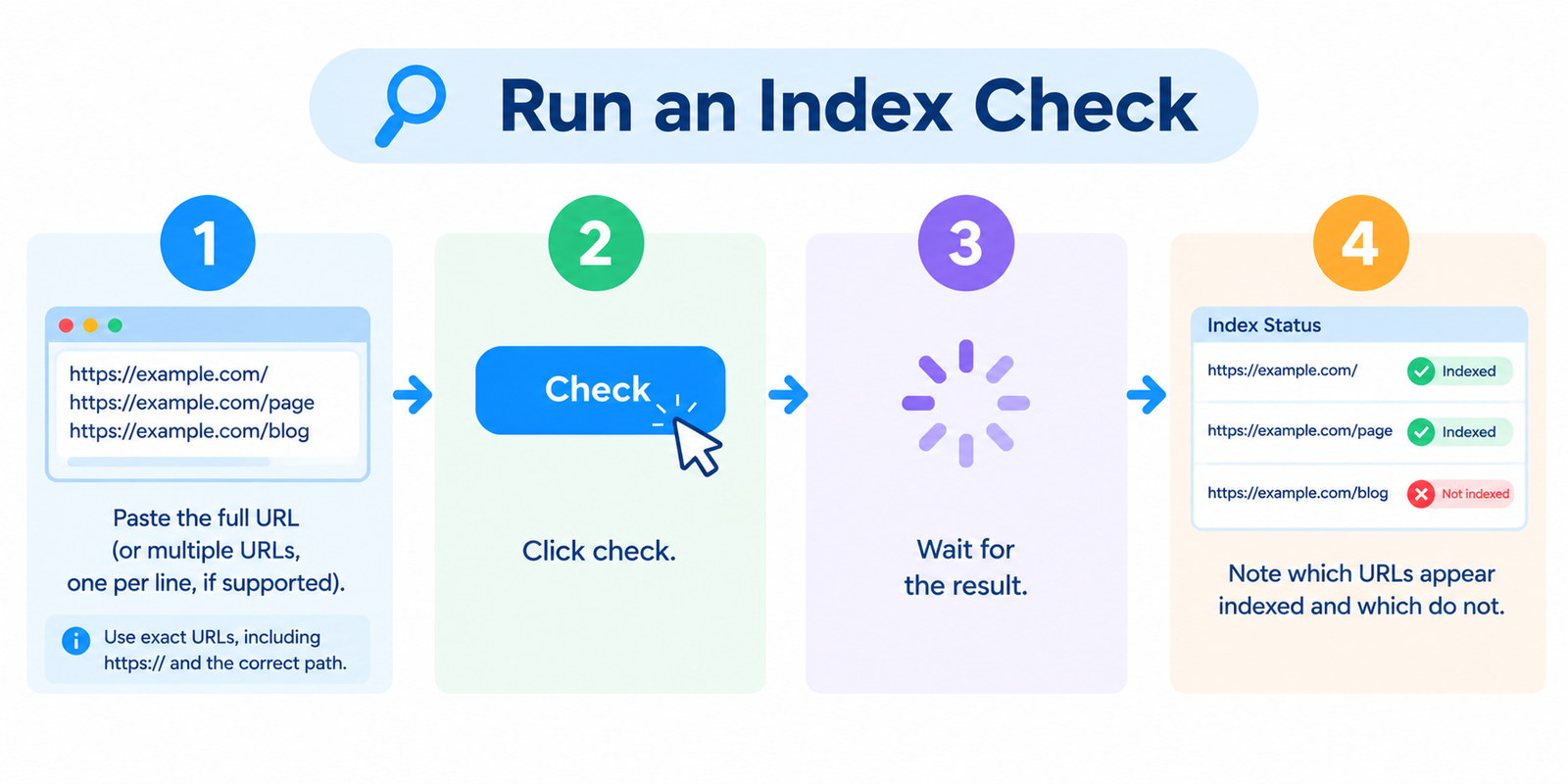
- Paste the full URL (or multiple URLs, one per line, if supported)
- Click check
- Wait for the result
- Note which URLs appear indexed and which do not
Use exact URLs, including https:// and the correct path.
Indexed vs Ranking (Different Problems)
| Status | Meaning |
|---|---|
| Indexed | Google has stored the page in its index |
| Not indexed | Google does not currently list that URL in the index |
| Ranking | The page appears for relevant searches |
Indexing is the foundation.
Ranking depends on relevance, quality, competition, and many other factors.
If a URL is not indexed, ranking work won’t help until the indexing issue is resolved.
Why Pages Fail to Get Indexed
Common causes include:
noindexin meta robots or HTTP headers- Blocked by
robots.txt - Not linked internally and hard to discover
- Missing or ignored in the XML sitemap
- Duplicate/canonicalized to another URL
- Thin, low-value, or near-duplicate content
- Server errors, redirects chains, or soft 404s
- New pages that simply haven’t been crawled yet
An index checker tells you whether a page is in the index.
Google Search Console is usually better for understanding why.
What to Do If a URL Is Not Indexed
Work through this order:
- Confirm the live page loads (status 200, not blocked)
- Check robots rules — robots.txt and noindex tags
- Inspect canonical tags — ensure they point to the preferred URL
- Add internal links from strong related pages
- Include the URL in your sitemap and submit/refresh in Search Console
- Improve content quality if the page is thin or duplicated
- Request indexing in Google Search Console when appropriate
Then re-check after Google has had time to recrawl.
Good Habits for Index Monitoring
- Verify new important pages after publishing
- Re-check key URLs after migrations, redesigns, or plugin changes
- Compare sitemap URLs against index status in batches
- Don’t confuse “indexed” with “getting traffic”
- Use Search Console Coverage/Pages reports for sitewide patterns
Third-party checkers are convenient for quick URL tests.
Search Console remains the most authoritative source for your own property.
FAQ
Is this tool free?
Yes. Standard checks do not require an account.
If a page is indexed, will it rank?
Not automatically. Indexing only means Google knows the page exists.
Can I check someone else’s URLs?
Public URLs can usually be tested. Results reflect publicly observable index signals.
Why does Google show my content under a different URL?
Canonicalization, redirects, parameter handling, or duplicate clustering can cause Google to prefer another version.
How long should I wait after fixing an issue?
It varies. Some pages are recrawled quickly; others take longer depending on site authority, internal links, and crawl activity.
Related tools
- XML Sitemap Generator
- Robots.txt Generator
- Meta Tags Analyzer
- Server Status Checker
- Keyword Position Checker
Note: Index status can change as Google recrawls and reprocesses URLs. For the most reliable site-level diagnostics on properties you own, use Google Search Console alongside quick URL checks.