Page Size Checker
Entrez une URL
Vérificateur de taille de page
Cet outil gratuit estime la taille de transfert totale d'une page Web — le poids combiné du HTML, du CSS, des scripts, des images et des autres ressources que le navigateur doit télécharger. Utilisez-le lorsqu'une page semble lente, après l'ajout de médias ou lors d'un examen de performance de base.
Effectuer une vérification rapide
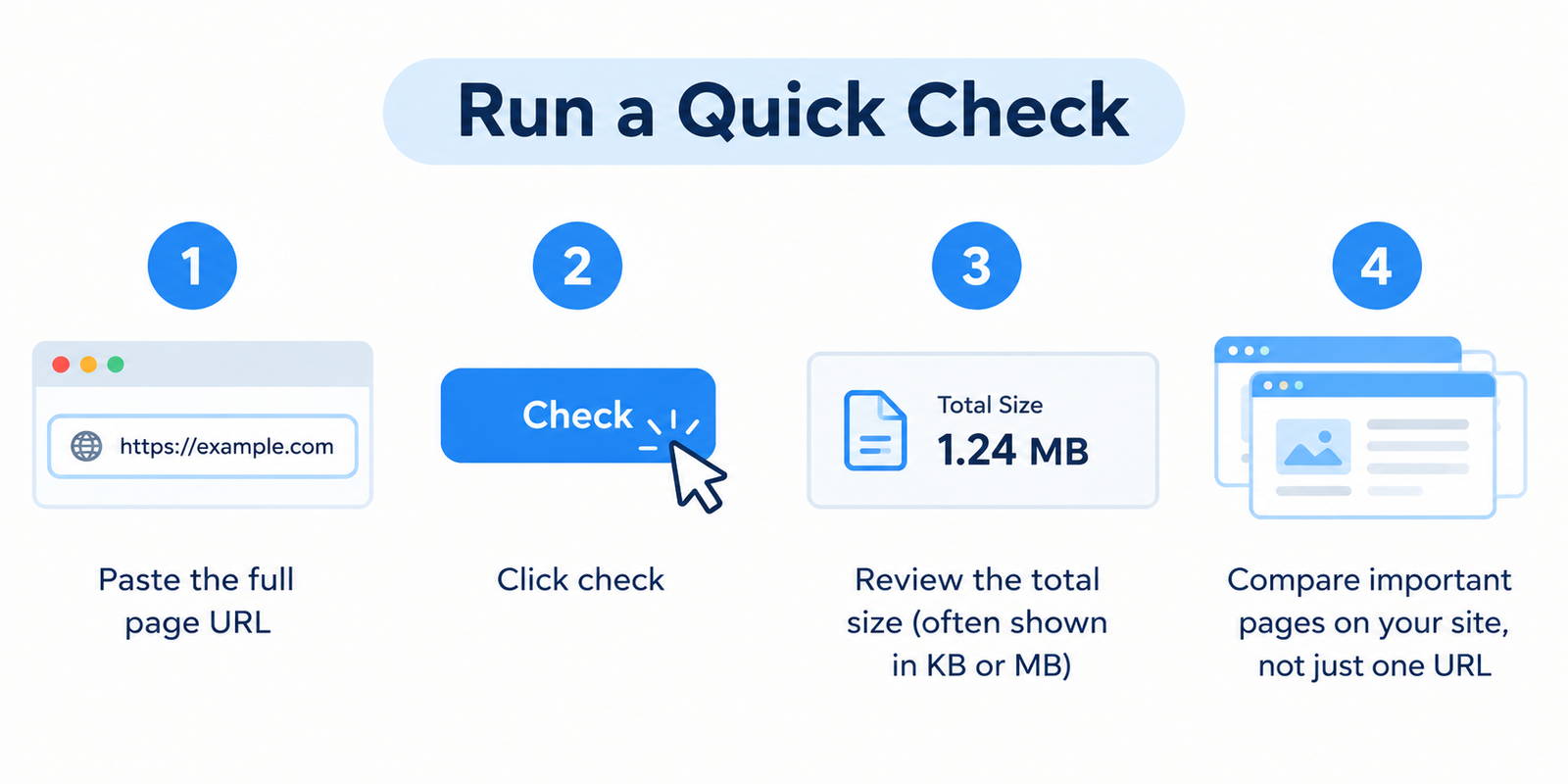
- Collez l'URL complète de la page
- Cliquez sur vérifier
- Examinez la taille totale (souvent affichée en Ko ou Mo)
- Comparez les pages importantes de votre site, et pas seulement une seule URL
Une grande taille à elle seule ne prouve pas qu'il y a un problème, mais c'est un signal fort indiquant que quelque chose doit probablement être optimisé.
Ce que la « taille de page » inclut réellement
Lorsqu'une personne ouvre une URL, le navigateur ne télécharge pas seulement le texte. Il récupère également :
- Le document HTML
- Les feuilles de style (CSS)
- Les fichiers JavaScript
- Les images et icônes
- Les polices
- Les médias intégrés
- Les scripts tiers (analytique, publicités, widgets, outils de chat)
La taille de la page correspond au total de ces ressources. Les pages plus lourdes prennent généralement plus de temps à devenir utilisables, en particulier sur les réseaux mobiles.
Pourquoi le poids de la page affecte les vrais utilisateurs
Les pages lentes coûtent de l'attention.
Les visiteurs sur téléphones, connexions plus faibles ou forfaits de données limités ressentent l'impact en premier. Même sur un Wi-Fi rapide, des images surdimensionnées et trop de scripts peuvent retarder l'interaction.
D'un point de vue commercial et SEO, un poids de page excessif se traduit souvent par :
- Des taux de rebond plus élevés
- Une expérience mobile plus faible
- Une conversion plus faible sur les pages clés
- Plus de difficultés à atteindre les objectifs de performance (y compris les métriques liées aux Core Web Vitals)
Les moteurs de recherche ne classent pas les « petites pages » pour le simple plaisir de le faire — mais la vitesse et l'ergonomie comptent, et la taille de la page est l'un des leviers qui influence les deux.
Ce qui rend généralement une page trop lourde
| Cause courante | Pourquoi cela ajoute du poids |
|---|---|
| Images non optimisées | Photos pleine taille téléchargées sans compression |
| Trop de scripts | Traqueurs, balises, carrousels et JS inutilisé |
| Intégrations vidéo volumineuses | Lecture automatique ou médias à haut débit |
| Thèmes/extensions surchargés | CSS/JS supplémentaire chargé sur chaque page |
| Code non minifié | CSS/JS plus volumineux que nécessaire |
| Fichiers de polices multiples | Plusieurs graisses et familles chargées en même temps |
Dans la pratique, les images et les scripts tiers sont les coupables les plus fréquents.
Objectifs de taille pratiques (lignes directrices, pas des règles)
Il n'y a pas de chiffre parfait unique pour chaque site. Le contexte compte — un portfolio photo sera plus lourd qu'un article textuel.
Pourtant, voici des lignes directrices utiles :
- Gardez les pages de destination clés aussi légères que raisonnablement possible
- Traitez les pages de plusieurs Mo comme un signal d'alarme, à moins que le média ne soit essentiel
- Revérifiez après des modifications majeures de conception, d'extension ou de contenu
- Comparez des types de pages similaires (ex. : tous les articles de blog, toutes les pages de produits)
Si une page produit est nettement plus lourde que les autres, inspectez ce qui a été ajouté.
Comment réduire la taille d'une page sans ruiner le design
- compressez et redimensionnez les images avant le téléchargement ; préférez les formats modernes comme WebP lorsqu'ils sont pris en charge
- Chargez en différé (lazy-load) les images situées sous la ligne de flottaison et les médias non critiques
- Supprimez les extensions/scripts inutilisés qui se chargent sur l'ensemble du site
- Minifiez le CSS et le JavaScript et évitez de charger des bibliothèques que vous n'utilisez pas
- Limitez les balises tierces à celles dont vous avez réellement besoin
- Hbergez les polices efficacement et ne chargez que les graisses que vous utilisez
- Auditez les intégrations — un seul widget lourd peut surpasser une optimisation minutieuse effectuée ailleurs
Après chaque modification significative, relancez le vérificateur sur la même URL.
Taille de page vs Test de vitesse complet
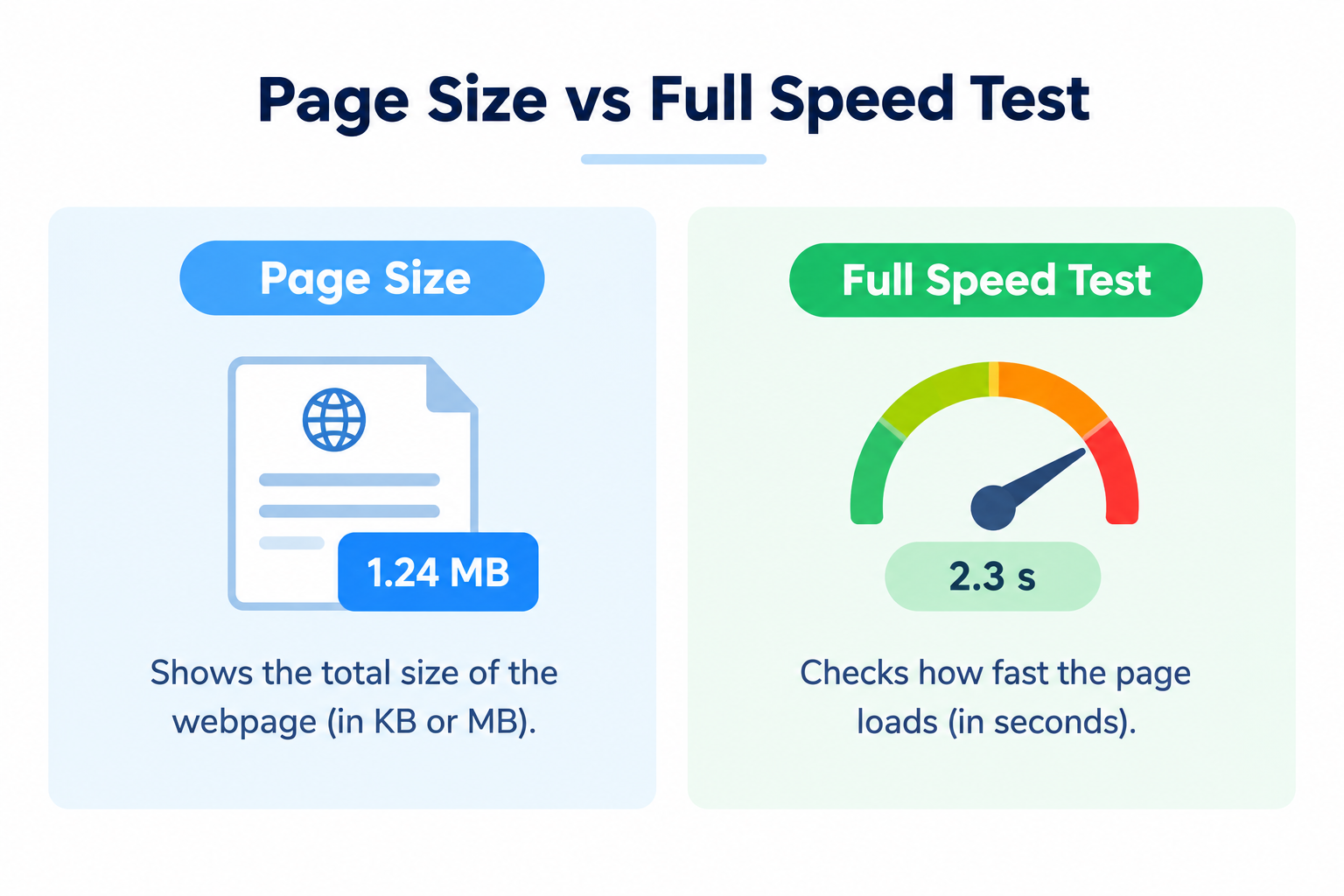
Cet outil se concentre sur le poids de la page.
Un test de vitesse complet (données de laboratoire ou de terrain) examine également les métriques de timing, de rendu et d'interaction. Utilisez les deux :
- Vérificateur de taille de page → trouvez rapidement les problèmes de poids
- Outils de vitesse / PageSpeed → comprenez le temps de chargement et les métriques centrées sur l'utilisateur
Le poids est souvent le point de départ le plus simple car les correctifs sont concrets.
FAQ
Le vérificateur de taille de page est-il gratuit ?
Oui. Aucune inscription n'est requise.
Une page plus petite est-elle toujours mieux classée ?
Pas automatiquement. Les pages plus petites se chargent souvent plus rapidement, et de meilleures performances peuvent soutenir le SEO et les conversions — mais la qualité et la pertinence du contenu comptent toujours.
Pourquoi ma page est-elle plus grande que prévu ?
Généralement à cause d'images, de vidéos ou de scripts tiers. Vérifiez ce qui a été ajouté récemment.
Puis-je faire entièrement confiance à une seule mesure ?
Considérez-la comme une estimation utile. La mise en cache, le comportement du CDN et le contenu dynamique peuvent provoquer de petites variations.
Chaque page doit-elle être aussi petite que possible ?
Visez l'efficacité, pas le vide. Conservez les médias nécessaires ; éliminez le superflu.
Outils associés
- PageSpeed Insights Checker
- Server Status Checker
- Webpage Screen Resolution Simulator
- Get Source Code of Webpage
- Link Analyzer Tool
Remarque : Les résultats reflètent les ressources détectées au moment de la vérification. Le contenu chargé dynamiquement et les actifs personnalisés peuvent modifier le poids final ressenti par les utilisateurs dans un vrai navigateur.