Get Source Code of Webpage
Enter a URL
Get Source Code of Webpage
Paste a URL to retrieve the page source — useful for markup inspection, quick audits, learning, and technical checks.
Fetch the Source
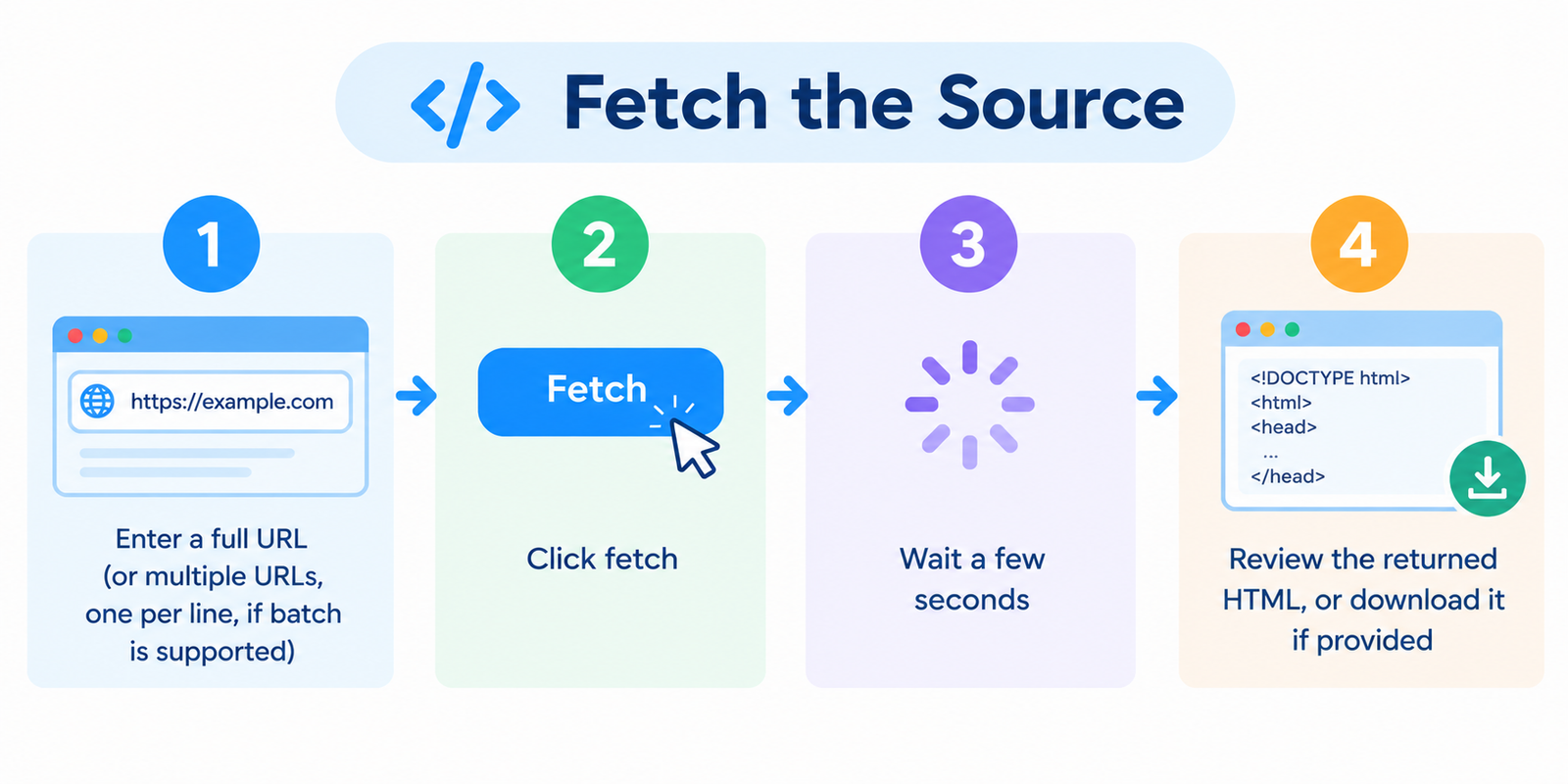
- Enter a full URL (or multiple URLs, one per line, if batch is supported)
- Click fetch
- Wait a few seconds
- Review the returned HTML, or download it if provided
No login is required for normal use.
Source Code vs What You See in the Browser
These are not always the same thing.
| View | What it contains |
|---|---|
| Raw HTML source | Initial markup from the server: tags, meta data, linked assets, inline scripts |
| Rendered DOM | What exists after JavaScript runs and updates the page |
This tool is for source, not a fully rendered post-JavaScript DOM snapshot.
Modern apps built heavily with React/Vue/etc. may return relatively little meaningful HTML until scripts execute.
What You Can Inspect in the HTML
Once you have the source, you can look for:
- Title, meta description, canonical, and robots tags
- Heading structure and semantic markup
- Linked CSS/JS files and third-party scripts
- Image paths and lazy-load attributes
- Inline schema / JSON-LD blocks
- Comments left in the markup
- Hidden or unusual link patterns in the raw code
It’s a fast way to understand how a public page is built without installing software.
Practical Uses
On-page SEO checks
Confirm meta tags, canonicals, and structured data appear in the initial HTML.
Technical review
Spot heavy script stacks, outdated references, or messy markup patterns.
Learning HTML structure
Study how real sites organize headers, navigation, forms, and content blocks.
Quick comparisons
Save source from today and compare later after a redesign or suspected change.
Security / trust screening (basic)
Look for obvious suspicious scripts or odd embedded content on public pages — then verify with proper security tools if needed.
Important Limitations
- Password-protected or login-only pages cannot be fetched
- Sites that block automated requests may refuse access
- JavaScript-injected content may not appear in raw source
- Output reflects the response at request time (A/B tests and personalization can vary)
- Respect website terms, copyright, and applicable laws when using retrieved code
Fetching publicly available HTML is common for inspection. Republishing or scraping at scale may have legal and ethical limits.
Tips for Cleaner Analysis
- Start with the exact URL you care about (homepage vs article page can differ a lot)
- Search the source for
meta,canonical,application/ld+json,gtag,googletagmanager - If the HTML is minimal, the site may be client-rendered — use browser dev tools for the live DOM
- Format the code in an editor for easier reading
- Combine with other checks (status code, page size, meta analyzer) for a fuller picture
FAQ
Is this free?
Yes. Standard use does not require an account.
Is this the same as “View Page Source” in a browser?
Conceptually similar. The advantage is convenience and possible multi-URL fetching. Browser dev tools are still better for live DOM inspection.
Why is the HTML so short on some sites?
Many modern sites ship a shell page and load content with JavaScript.
Can I get source for pages behind a login?
No. Only publicly accessible responses are available.
Will the tool execute JavaScript?
No. It returns the initial server response, not a fully rendered interactive page.
Related tools
- Meta Tags Analyzer
- Link Analyzer Tool
- Page Size Checker
- Server Status Checker
- Website Screenshot Generator
Note: The returned code is a snapshot of the public server response. Dynamic, geo-targeted, or bot-filtered pages may differ from what you see in your own browser.